.png?width=200&height=100&name=TLG_LOGO_FULL_O_B_tm%20(4).png)
Use this guide for requests regarding the cancelation of Geekpay Subcription.

Step by step guide:
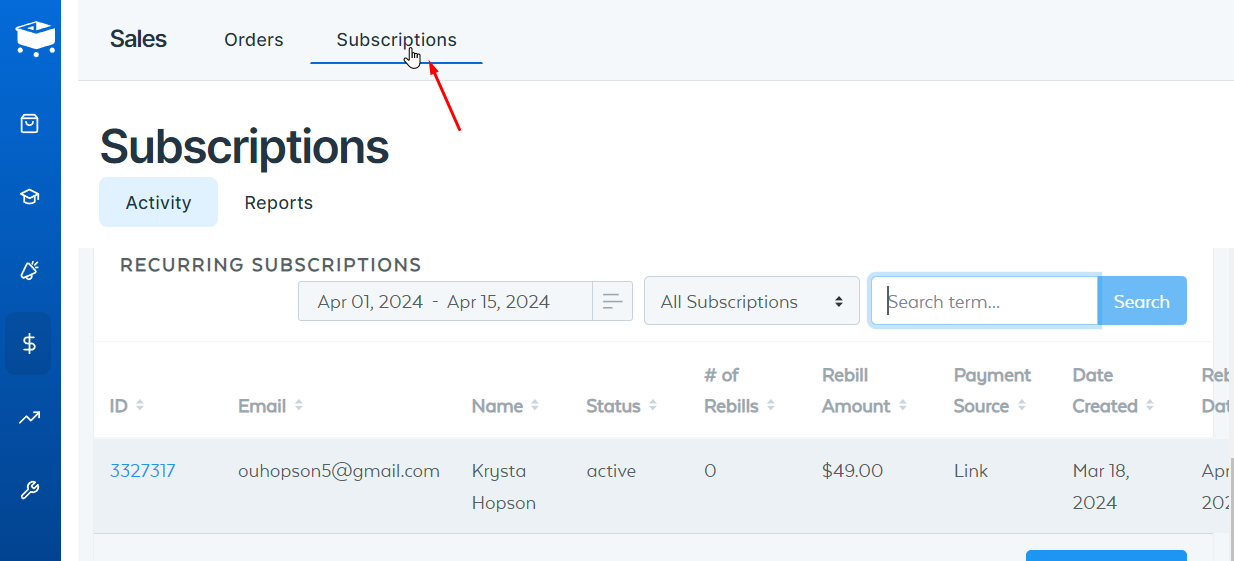
- Log in to https://app.samcart.com/ and go to the “Subscriptions Tab
- Search for the Merchant’s subscription
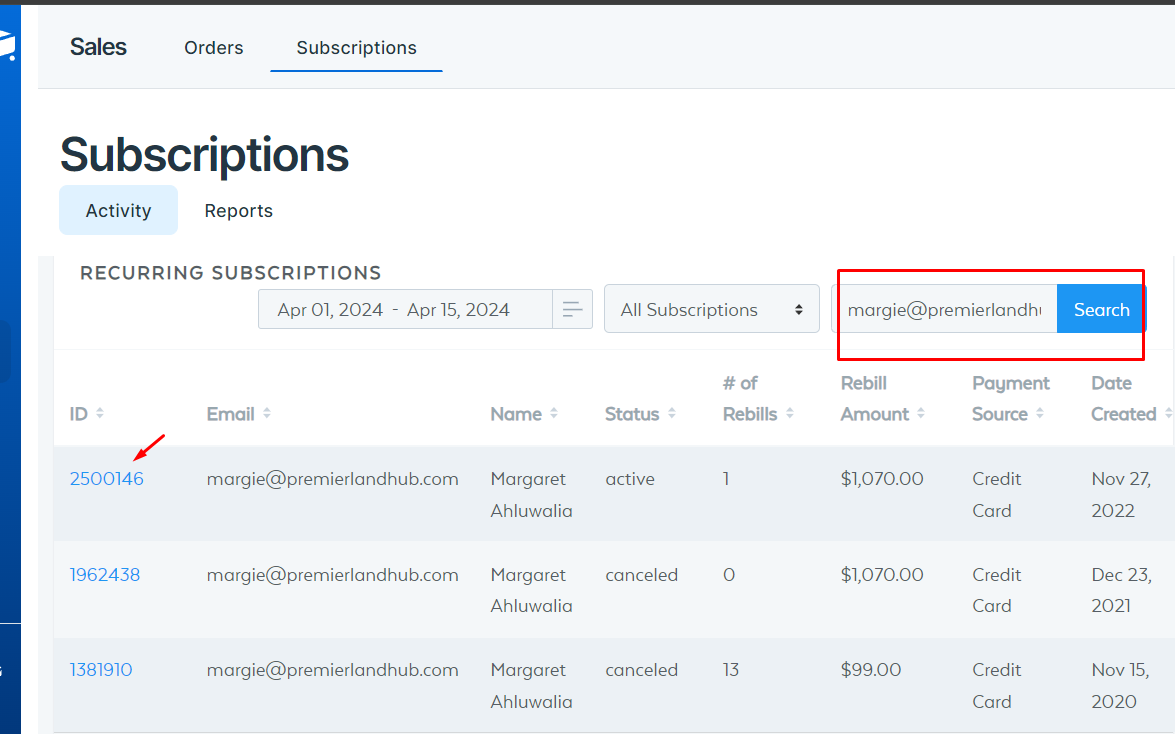
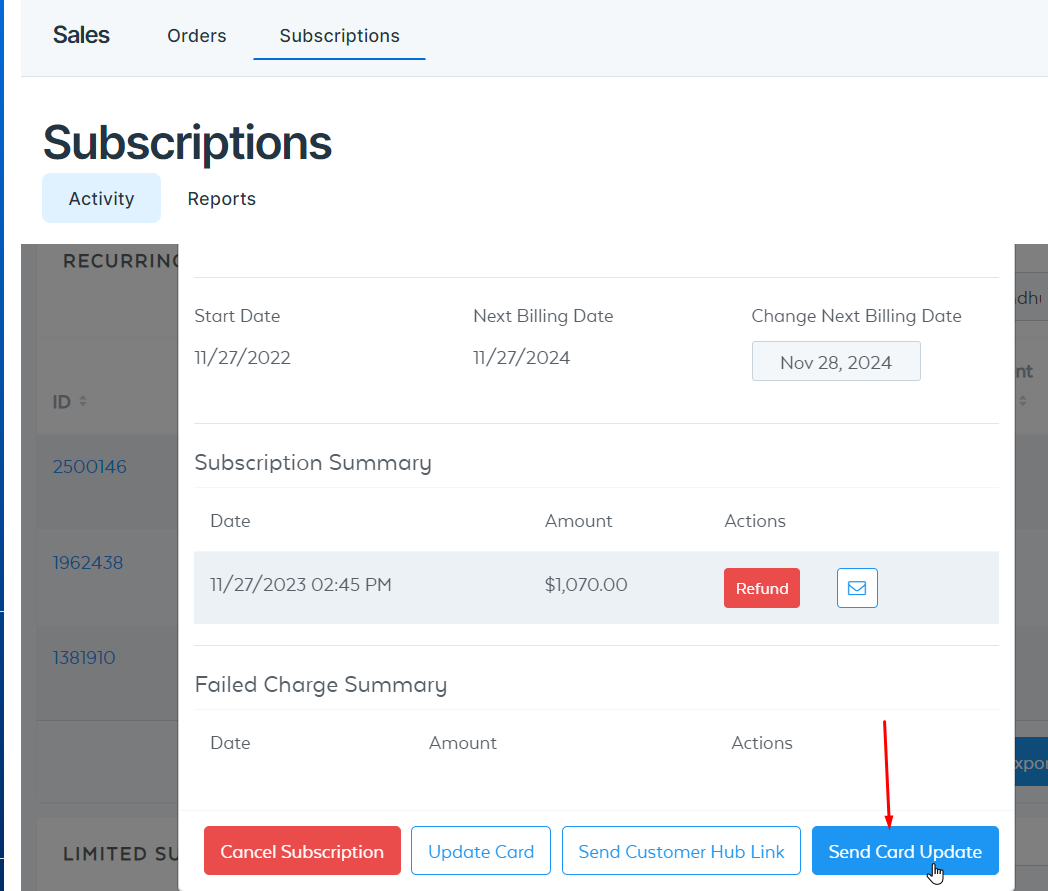
- Click on the “Send Card Update” Button
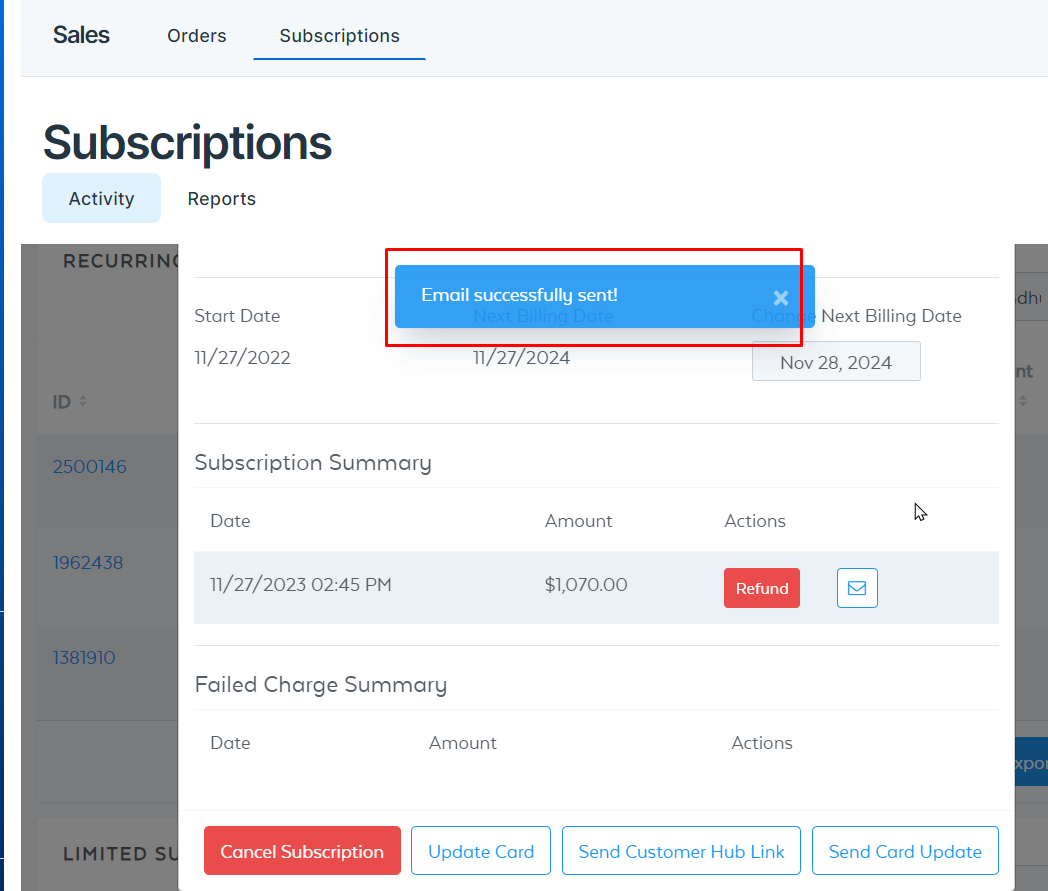
- Wait for the confirmation
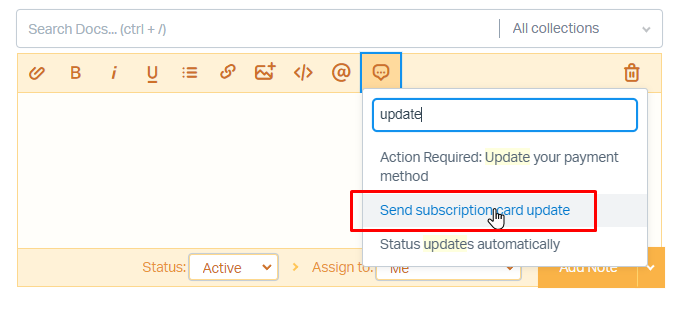
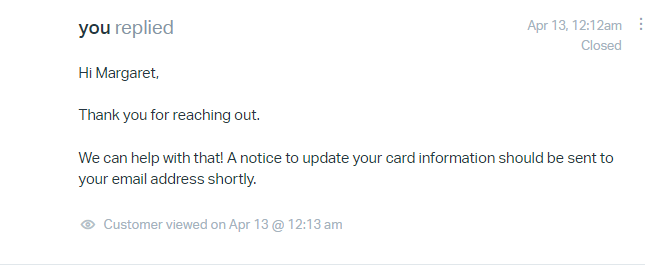
- Reply to the Merchant on Helpscout using the “Send Subscription card update” template